Introducing the MCP Document Processor: A Practical Tool for Document Processing
Gabriela Perdum
Author
5 min readJanuary 19, 2026
AI has made meaningful improvements over the years, but it still struggles with documents. When you ask an AI agent to read a PDF contract, analyze an Excel spreadsheet, or extract insights from a Word document, the results are often inconsistent. Information gets lost in complex formatting, tables don't always extract correctly, and scanned documents can be particularly difficult to read.
This creates genuine challenges in business contexts. Contracts, reports, financial data, and technical documentation all exist in formats that AI doesn't handle consistently well. The information is there, but getting it out in a useful way remains problematic.
The MCP Document Processor is designed to help address these challenges.
What is the MCP Document Processor?
The MCP Document Processor is a Model Context Protocol server that helps AI agents work with document formats more effectively. It extracts text, recognizes document structure, pulls out metadata and embedded images, and can also create new documents with styling options.
It integrates with AI tools like LM Studio, Cline, and Roo Code, making it accessible to developers already working in these environments.
The full code is available on Bitbucket if you want to explore the implementation or contribute to the project.
How It Handles PDFs
The system includes several specific features for working with PDF documents, which tend to be the most challenging format for AI systems.
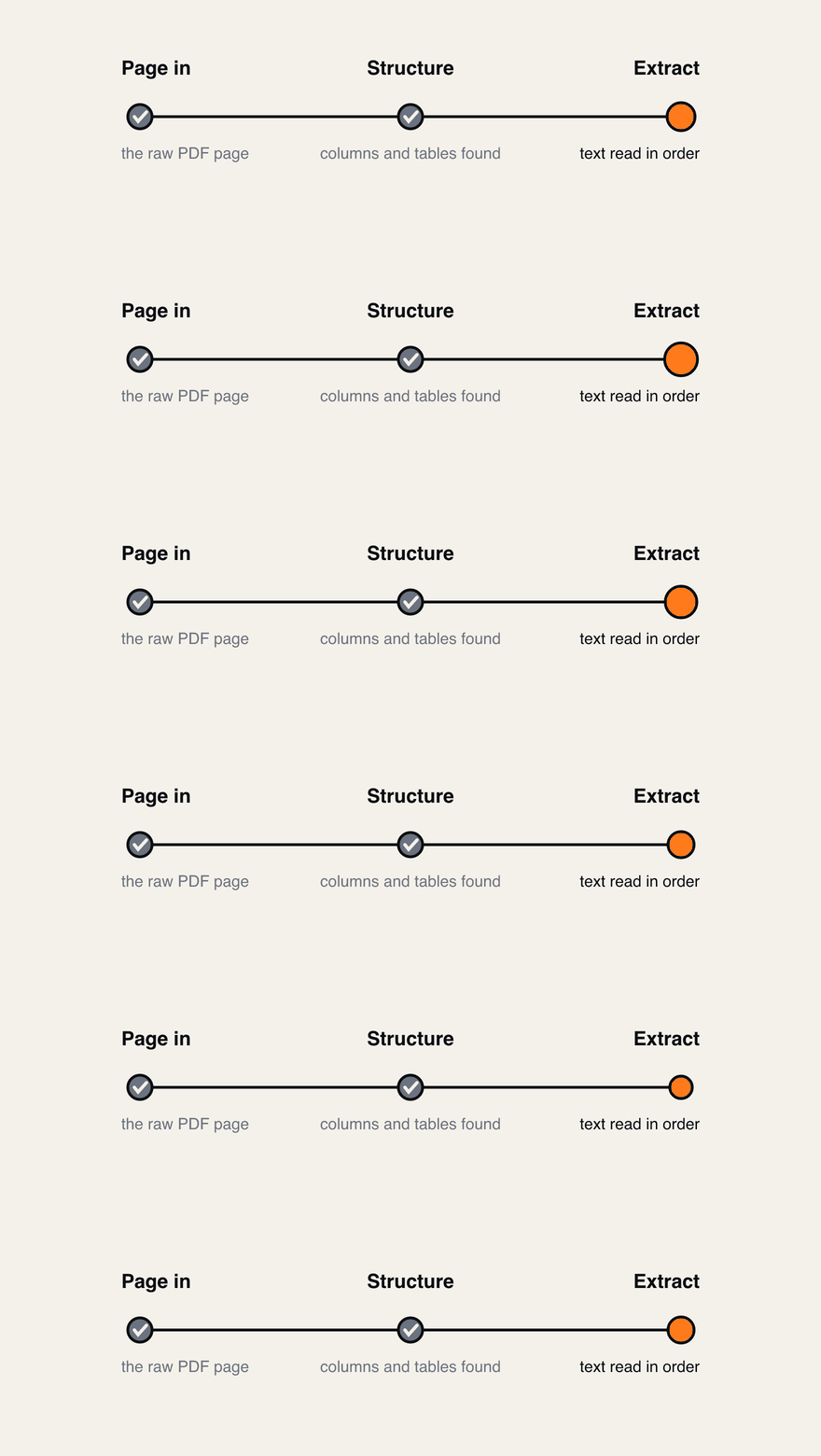
Structure before text. Analysing the page layout first is what decides whether the extracted content is readable or scrambled.
Before attempting to read any text, the system analyzes the visual structure of each page. This helps identify whether a document has columns, tables, or other structural elements that might affect how content should be interpreted. This contextual understanding improves the overall reading process.
For scanned PDFs, the system uses optical character recognition and then refines the results. It looks for common OCR issues like words broken across lines and unusual spacing, and attempts to fix them while preserving the actual meaning of the content.
The system also looks for tables within documents and extracts them. It works with different table formats including markdown tables, tab-separated data, and column-aligned information. It provides confidence scores for the extracted data, which helps you assess reliability.
These features work together to make PDF processing more reliable.
Document Creation Capabilities
Beyond reading documents, the system can also create them, which is useful for generating reports or structured outputs from data.
For DOCX documents, you can create reports with titles and paragraphs, documents with headers and footers including page numbers, and apply custom background colors. This is helpful when you need standardized document formats or professional-looking outputs.
For Excel spreadsheets, you can build multi-sheet workbooks, export data with styling options, and customize column widths and row heights. This makes it easier to present structured data in a familiar format.
The system includes seven preset styles that cover common use cases. You can choose from simple formatting, serif fonts for formal documents, sans-serif for technical content, academic styles with proper spacing, business-oriented formatting, casual styles for internal communications, or more colorful options for presentations. You can also customize fonts, colors, alignment, and spacing as needed for your specific requirements.
Configuration Options
The system supports different approaches to vision processing depending on your needs.
If you use local processing with LM Studio, documents stay on your machine and the system uses vision-capable models. The implementation was tested with Qwen3-8b-VL for vision processing, which works well for document understanding and OCR tasks. This approach is good for privacy-sensitive work where you don't want documents leaving your system.
If you use cloud processing with Z.AI, the system relies on GLM-4V models. The cloud implementation was tested with GLM-4.7-REAP for the vision model, with GLM Coding plan powering the overall cloud infrastructure. This option requires an internet connection and can provide potentially higher accuracy but depends on external services.
Choosing between these options comes down to whether you prioritize local control or maximum accuracy for your use case.
Practical Applications
The MCP Document Processor can help with several common document-related tasks that developers and analysts encounter regularly.
For contract analysis, you can extract terms and conditions, identify specific clauses like termination dates, and compare multiple contracts for differences. This is useful when you need to review legal documents quickly or find specific provisions.
For report generation, you can create reports from data, generate summaries, and standardize documentation across teams. This helps maintain consistency when multiple people are creating similar outputs.
For data extraction, you can pull tables from PDFs into Excel, extract metadata from documents, and standardize data formats. This is valuable when you need to work with information that's trapped in document formats.
For documentation tasks, you can generate technical documentation, create user manuals, and produce consistent report formats. This makes it easier to maintain documentation over time.
Getting Started
Setting up the MCP Document Processor is straightforward.
You install Node.js and the required packages with npm install, then run tests with npm test to verify everything works correctly. After that, you start the server with npm start and configure it in your MCP client with your preferred vision provider.
The whole process typically takes a few minutes, and then you have a working document processing system ready to integrate with your AI workflow.
Why This Matters
AI agents become significantly more useful when they can work with documents effectively. Businesses rely heavily on documents for contracts, reports, and specifications. When AI can read and understand these formats reliably, it becomes practical for real business operations rather than just interesting experiments.
The MCP Document Processor is one tool that helps move in this direction by addressing some of the common barriers to working with documents in AI workflows. It doesn't solve every problem, but it provides a solid foundation for document-related tasks.
Looking Forward
AI agents are becoming more capable of working with documents over time. The MCP Document Processor contributes to this progression by providing tools for reading and creating documents in common formats.
If you're a developer working with AI applications, a business analyst dealing with contracts regularly, or someone who frequently needs to extract or generate documents programmatically, this tool might be worth exploring. The code is available and the system is straightforward to integrate with existing workflows.
Documents are an important part of how work gets done. Having tools that help AI work with them effectively makes practical sense.
Our port reclaim logged a warning every single time it ran in the shipped app, and nobody noticed for weeks — because the warning branch was the only branch that could execute there. macOS keeps lsof in /usr/sbin, and a packaged app's PATH does not have it.