LeanZero Management: the Jira dependency that actually moves dates
Gabriela Perdum
Author
12 min readAugust 13, 2026
Key takeaways
On Jira Free and Standard, a blocks link is a stored relationship and nothing reschedules. On Premium, Plans does auto-schedule against dependencies, so try that first if you have it.
The required-start rule applies each link's lag first and takes the maximum last. The two orderings only agree when every incoming link carries the same lag, which is why the wrong one survives a casual test.
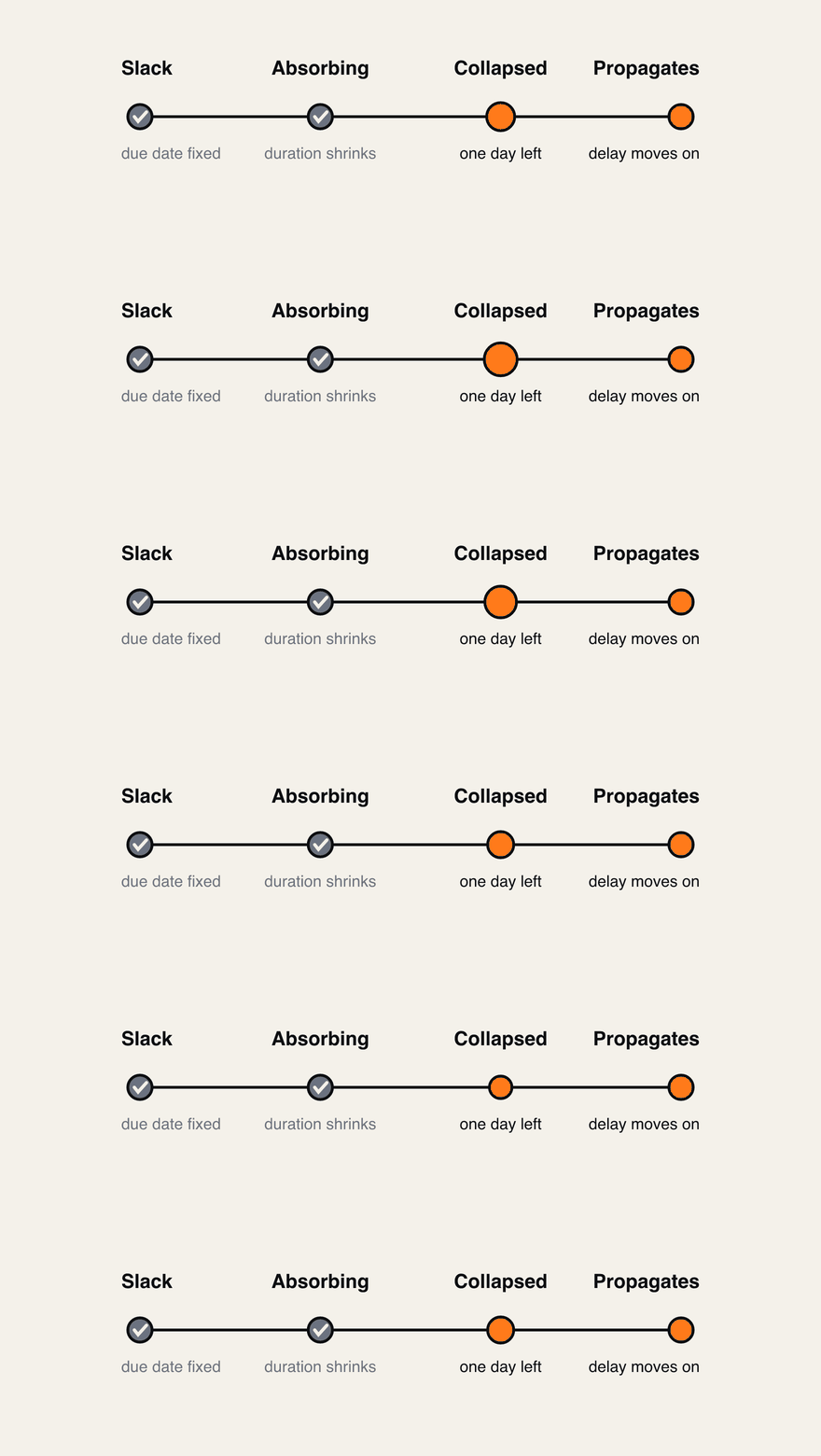
Buffer tasks hold their due date and shrink. Once the slip is bigger than the buffer, it collapses to one day and the delay propagates.
Apply re-reads Jira after writing and compares against what you approved. On a mismatch it fails retryably and keeps your draft.
LeanZero Management is in Marketplace approval with Atlassian right now. It isn't publicly listed, so there's nothing to install today.
You link two issues in Jira with blocks, the blocker slips by a week, and you go back to look at the thing it blocks. The dates are the same as they were. The link records that one issue blocks the other, and that's all it does.
That's not a bug. An issue link is a stored relationship, and on Jira Free and Standard nothing recomputes when one end of it moves. Draw a delivery plan out of issue links on those editions and what you've got is documentation of intent. When reality diverges, the plan doesn't notice, and the person who has to notice instead is you, on a Friday afternoon, with a spreadsheet.
One correction before I go further, because it's the first thing an experienced admin will think. On Premium and Enterprise, Jira's Plans (what used to be Advanced Roadmaps) has an auto-scheduler that treats dependencies as one of its inputs. If you're on Premium, try Plans first.
Where the gap sits is narrow and you can check every word of it. Two capabilities this post is about are open feature requests on Atlassian's own tracker, and I pulled their status on 13 August 2026: per-link lag time is JSWSERVER-24935, Gathering Interest, unresolved, filed April 2021; a working-day calendar including your non-working days is JRACLOUD-88154, Gathering Interest, unresolved, 331 votes, filed June 2020. Shifting blocked work automatically when a blocker's date moves is JRACLOUD-88193, Gathering Interest, 115 votes. Plans also schedules in iterations, so its granularity is the sprint, and its scheduling is a manual preview-and-accept pass inside a sandboxed plan. There are mature Gantt and PPM apps on the Marketplace as well, and this post isn't a comparison against them.
What LeanZero Management is, then: a Forge app that puts a scheduling engine behind the links you already have, on working days, with buffer tasks that absorb slack. It stages every schedule change for review before a date is written back to Jira.
The rule, and the version of it that's subtly wrong
When a predecessor's due date moves, everything downstream has a new earliest legal start. Writing that rule down correctly is harder than it looks, and it's where a hand-rolled scheduling feature quietly goes wrong.
The tempting sentence is: the successor starts the working day after its latest predecessor's due date, plus the lag on that link. It reads fine. It breaks as soon as two incoming links carry different lags, because it takes the maximum before applying the lag instead of after.
The engine does it the other way round. Each predecessor produces its own required start, being the next working day after that predecessor's due date, advanced by that link's lag in working days. The successor starts on the latest of those.
js
1// src/services/calculation/chain-calculator.js — the server-side engine.2// The browser engine at cascade-core.js carries the identical loop; a parity3// harness is what keeps the two in lockstep.4for(const predKey of preds){5const pred = issuesMap.get(predKey);6if(!pred?.dueDate)continue;7const predDue =parseDate(pred.dueDate);8if(!predDue)continue;9const lag = lags ?(lags[predKey]||0):0;10const rs =getRequiredSuccessorStartWithLag(predDue, lag, workingDays, bankHolidays);11if(rs &&(!required || rs.getTime()> required.getTime())) required = rs;12}
I ran that working-day primitive on my own machine to get the dates below. Take an issue with two blockers: one due Friday 6 March 2026 on a zero-lag link, and one due Wednesday 4 March 2026 on a link carrying five working days of lag, because the handover it represents takes a week.
Lag first, then the maximum: Monday 9 March from the first blocker, Thursday 12 March from the second, so the issue may start Thursday 12 March. The tempting rule looks only at the later due date, 6 March, applies that link's lag of zero, and lands on Monday 9 March. Three days early, no error, no warning, and a plan that reads as achievable when it isn't.
The two orderings agree whenever every incoming link carries the same lag, zero or otherwise, because the offset is monotonic. That's why the wrong one survives a casual test. It only diverges on mixed lags, which is exactly the case you hit in a real plan and never in a fixture you wrote quickly.
The same rule runs on a slip. Move a predecessor's due date out to Wednesday 11 March on a link with two days of lag and the successor's required start becomes Monday 16 March, weekend skipped, without anyone opening a calendar.
Buffers absorb the slip, then stop
Every real plan carries slack, and most tools make you model it as a fudge factor in someone's head. Flag an issue as a buffer here and it behaves the way project managers use one. Its due date is held fixed while its duration shrinks, so the slip is eaten inside the buffer and nothing downstream moves.
A buffer behaves the way project managers actually use one — it absorbs the slip silently until it cannot, and then the delay propagates.
That holds until the slip is bigger than the buffer. Once the required start pushes past the buffer's own fixed due date, the buffer collapses to a due date equal to its start and a duration of one day, and the delay propagates to everything after it.
js
1// static/ppm-ui/src/hooks/cascade-core.js — the browser engine, which is the2// authoritative one: it computes the cascade you see, and Apply writes those dates.3if(issue.buffer==='Yes'){4const fixedDue = origDue;5 issue.startDate= requiredStartStr;6if(fixedDue){7if(requiredStart > fixedDue){8 issue.dueDate= requiredStartStr;9 issue.duration=1;10}else{11const newDur =workingDaysBetween(requiredStartStr,formatDate(fixedDue), workingDayCtx);12 issue.duration=Math.max(newDur ||1,1);13 issue.dueDate=formatDate(fixedDue);14}15}16}
A buffer that silently keeps absorbing is worse than none at all, because it tells you the milestone is safe right up to the day it isn't. This one runs out where you can see it.
A word on the vocabulary. Critical Chain practitioners will read "buffer" and expect a feeding buffer with a consumption fever chart. This is the simpler thing: a slack task with a fixed end date.
Nothing you schedule reaches Jira until you tick it
Preview and Apply run the same calculation, and Apply is deliberately paranoid about the gap between them.
The write path takes a five minute lock on the plan, then pre-checks that none of the affected issues changed in Jira while you were editing. It writes in chunks of ten with a 250 ms pause per issue. That pause sits on top of a client that retries four times with jitter and honours the Retry-After header on a 429, which is the part that matters, because Jira Cloud's rate limiting is cost-based and no fixed delay is provably enough on its own.
Once per chunk it asks Jira's editmeta what the first issue in that chunk can accept, and filters every write in the chunk to those fields. That's a deliberate proxy: one lookup per chunk, applied to all ten. It exists because one custom field a project never configured makes Jira reject the whole request and take the date write down with it. On a plan spanning projects with different screen configurations, the first issue in a chunk isn't always representative.
Then it re-reads the issues out of Jira and compares the dates against what you approved. If Jira didn't persist something, the app releases the lock, keeps your draft, declines to re-index over your intent with the stale value, and returns a retryable failure naming the keys that didn't land. It fails loudly. A silent pass it can't prove is worse than a red error.
The review dialog lists every proposed change with its own toggle, in four lists: date changes, new links, removed links and rank moves. Every row is individually untickable, so approving the schedule doesn't commit you to the link changes that came with it. Rank deserves its own warning. Rank in Jira is global, so a rank move here changes the order on every board that contains the issue, including boards belonging to teams who never opted into your plan. That's why it's a separate list, and why you should walk it separately from the dates.
The plan defends itself between sessions
Plans decay because someone opens an issue on Tuesday and drags a date with no idea what depends on it. Protection is on by default when a plan is created. When someone moves a protected issue's start date earlier than its dependencies allow, the app reverts the start date, restores the due date if the same edit moved that too, and posts a comment naming the blockers, the latest predecessor due date, the earliest allowed start and the date that was requested.
This is the one write the app makes on its own, with no review step, so here's what I'd want to know before switching it on.
It watches the start date. A due-date-only edit on a protected issue isn't evaluated at all. The revert writes to the field the app resolved as Start date when it indexed, which won't necessarily be the field your project's screen uses. Start date in Jira Cloud is a locked custom field, so its ID isn't stable across sites, and team-managed projects carry their own. Check that before you enable protection.
The revert appears in the issue history under the app's identity, so the history shows a change nobody in your org made. It's an issue update followed by a comment, which means it fires your notification scheme twice. And it goes out as a plain platform comment with no service-desk visibility property set on it, so if you're thinking of putting a Jira Service Management project in a protected plan, check how that surfaces in the customer portal first.
In the checkout I read for this post there's no toggle for protection anywhere in the app's UI, so every plan has it on. If that matters to you, ask us before you install.
The fields it creates, and the scopes that need
Working-days duration and buffer status don't exist in Jira. On first index the app looks for a field named Duration, then PPM Duration, then Buffer, then PPM Buffer, matching on the exact name case-insensitively and preferring a custom field over a system one. If it finds one it adopts it and writes to it. Pause there if your site already has a field called Duration meaning call duration or outage minutes. If it finds nothing it creates PPM Duration as a float and PPM Buffer as a select.
Those are site-level Jira fields created over REST, not app-owned Forge custom fields, which means they and their data survive uninstalling the app.
Then it adds Start Date, Duration and Buffer to the edit screen of each project in the plan, falling back to the site's Default Screen when a project's edit screen can't be resolved. That fallback reaches beyond the plan.
All of which is what manage:jira-configuration is for. Atlassian describes that scope as taking Jira administration actions including creating projects and custom fields and managing issue link types, so the grant is considerably wider than what the app does with it, and an approving admin is entitled to see that difference spelled out. Of the eleven scopes, four are write or admin: write:issue:jira-software, write:jira-work (which also carries issue deletion), manage:jira-project and manage:jira-configuration. If you're the person who has to sign this off, those are the four to ask us about, and we've written before about how little a clean Forge security scan proves.
The analytics never touch a date
Alongside the engine there's a read-only layer: a critical path from a forward and backward pass over the dependency graph, a weighted health score, and per-assignee workload across weekly buckets. The workload view reports contention and flags over-allocation. It doesn't move anybody's work, and the code says so in its own comment. The critical path is a zero-float chain with no resource constraints in it.
Where your data goes
The manifest declares no remotes, no external block and no fetch permissions, and there isn't one outbound http or https URL anywhere in the app's source, backend or frontend. The single https in the manifest points at an Atlassian-hosted icon asset. The app can't call a third-party service, because nothing is declared that would let it.
There are nine module types, one of which is a webtrigger our test harness uses. Its handler returns 404 unless a HARNESS_SECRET environment variable is set and the caller presents it as a bearer token. Be precise about what that guarantees: Forge environment variables are scoped per app and per environment, not per installation, so the property rests on us not setting that variable in the production environment. It's a vendor commitment backed by a code gate, and you can't inspect it from your side.
There's AI in the app, off by default and turned on from the app's admin settings. It uses Atlassian's first-party Forge LLM: the manifest declares an llm module with the claude family and the code pins claude-haiku-4-5-20251001. Every AI call goes through one guard that returns immediately while the feature is disabled, with default caps of 500 calls a month and 100 a day. So the accurate statement isn't "no data leaves Atlassian, full stop". It's that no data reaches a third party, and with AI enabled your plan summaries go to an Atlassian-hosted model. We wrote up building on Forge's LLM API separately. Data handling, sub-processors and the SLA are in the Trust Center.
What it doesn't do
These are the ones I'd want to know about before installing.
The engine models finish-to-start only, with non-negative lag. Start-to-start, finish-to-finish, start-to-finish and lead time aren't supported, and a negative lag is treated as zero. That's a modelling limit and it rules out whole classes of plan.
There's no resource levelling. Workload reporting shows you who's over-allocated and leaves the decision with you.
Apply needs the tab to stay open. A background write-back queue was deliberately deferred; the repo's own record says it needs a lock-handoff design pass first.
Very large plans aren't resumable mid-index. Indexing runs as an async Forge consumer at the 900 second maximum, and a plan needing more than one pass isn't picked up where it stopped.
There are two scheduling engines: one in the browser for live preview, one on the server driven by a recalculate resolver and our own harness. The browser one is authoritative, and it's the one that runs when you drag a bar. They're held in step by a parity harness, but they aren't byte-identical, and the server-side settle only rolls up subtask children. Protection is evaluated with the server-side working-day primitive, so a divergence would surface as a revert you didn't expect. We test all of this against a live deployment, which turned into a discipline of its own and a tutorial on running end-to-end UI tests against a deployed Forge app.
Uninstalling stops the app, and leaves behind the two custom fields with their data, the dates already written to your issues, and the protection comments.
On testing: the last full app-side run recorded in the repo is 290 green on 15 July 2026, being 170 frontend, 52 visual, 42 parity and 26 backend, written down in commit e336ff2e. I'm quoting that record; I didn't re-run it this morning. The checkout I read has no dependencies installed and can't run a suite as it stands.
Where it is today
LeanZero Management is live on the Atlassian Marketplace. It is listed as com.leanzero.jira.leanzeromanagement, version 2.1.0, released 13 August 2026, Jira Cloud only. It is free today: the Marketplace pricing endpoint returns 404 for it while the same endpoint returns 200 for CogniRunner, so the absence is real rather than a broken request. Note the version: the repository's own package.json says 1.0.0, and the listing says 2.1.0 — the internal and Marketplace version lines diverge, and the listing one is what you install. When this article first went up it said the app was still in review and not publicly listed, which was true on the day and is not any more; this paragraph has been corrected rather than quietly deleted.
So there's nothing to install yet, and I'm not going to promise a date I don't have. What exists now is the full documentation on the LeanZero Management portfolio page, which is the same content that will back the listing. If you'd rather have something built for your own tenant than bought off a listing, we also build Forge apps to order.
When a blocker slips a week, how long does it take you to fix the dates downstream?
Rovo agent permissions vs CogniRunner approvals: AI agents in Jira, as far as you let them
Rovo agent permissions control who can create, edit and use an agent, and the agent then acts as you or as its own account. Here's what an admin can actually set today, what gets logged, where the human in the loop sits, and how CogniRunner 6.1 agents wait for a Jira administrator before they delete anything.